
So, the inevitable has happened.
I have bought a Studer A80-R.
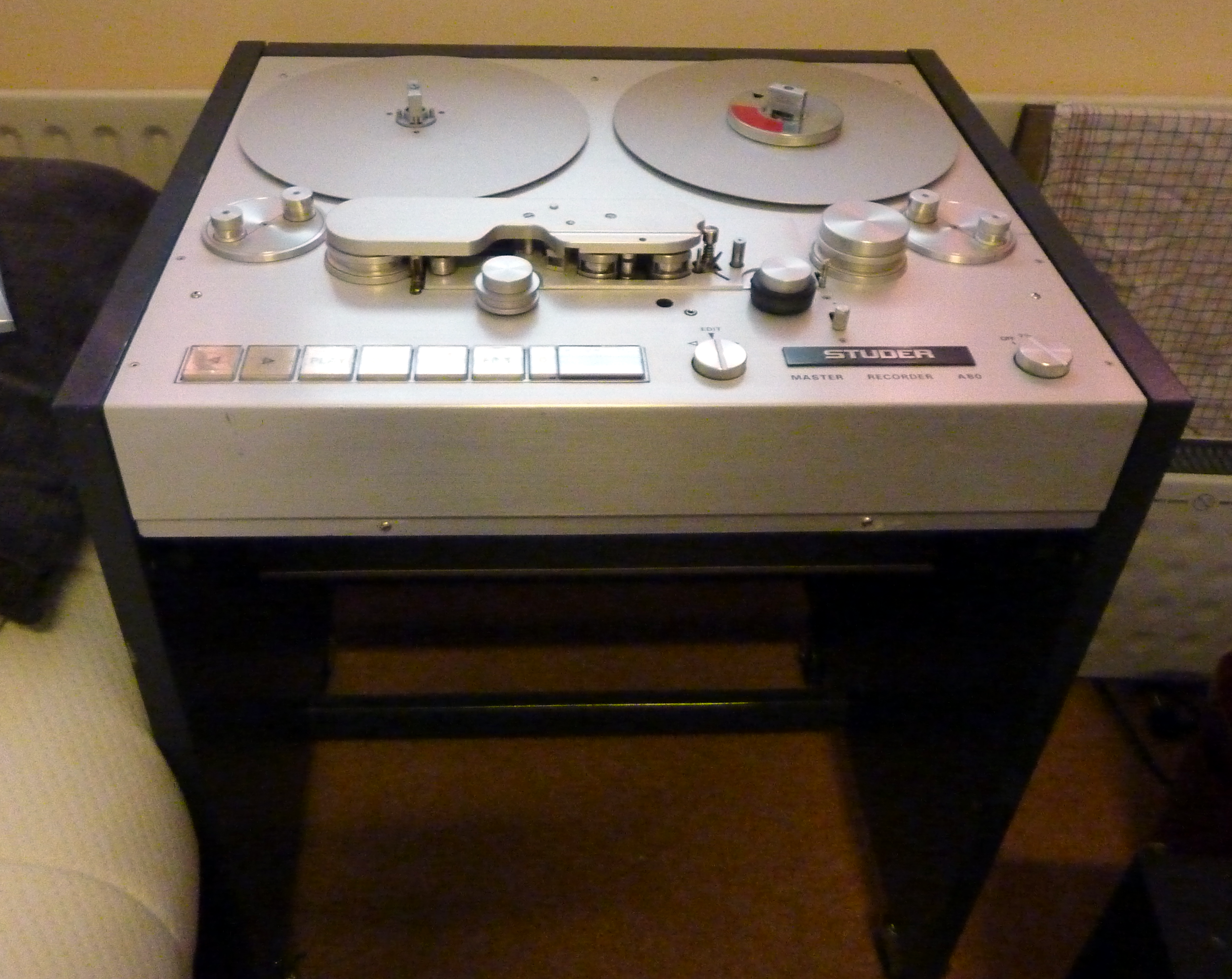
Studer A80
Studio
This is a beast. The unit is 70x60x84 cm, and is the size of a washing machine. And it weighs around 100kg. That is even heavier than a washing machine. It has wheels though. So you can roll it around.
This is the studio recorder that the artists from the seventies used to record their material on. It came in several configurations, from 1/8” (cassette tape) to 2” (24 track). Mine is the A80-R (for ‘rundfunk’ i think) 1/4” 2 track, speeds 7½ and 15 IPS (19 & 38 cm/s). Every studio in the world had one, or several. The most prominent artists that used the Studer A80 are Pink Floyd, Alan Parsons, etc.
I came in contact with someone who has access to professional studio equipment and repairs them on a regular basis, often in his spare time. Sometimes studios get rid of these machines that are in the way, and then he takes them in and repairs and refurbishes them.
I have visited him to look at the machine that I would buy and the second time I went there, the machine was all done and I took it home. Which was not a simple task. It fitted the back of my car fortunately.
After I got it home I wheeled it inside, where it would stay in the living room for the time being. It was simply impossible to get it upstairs.
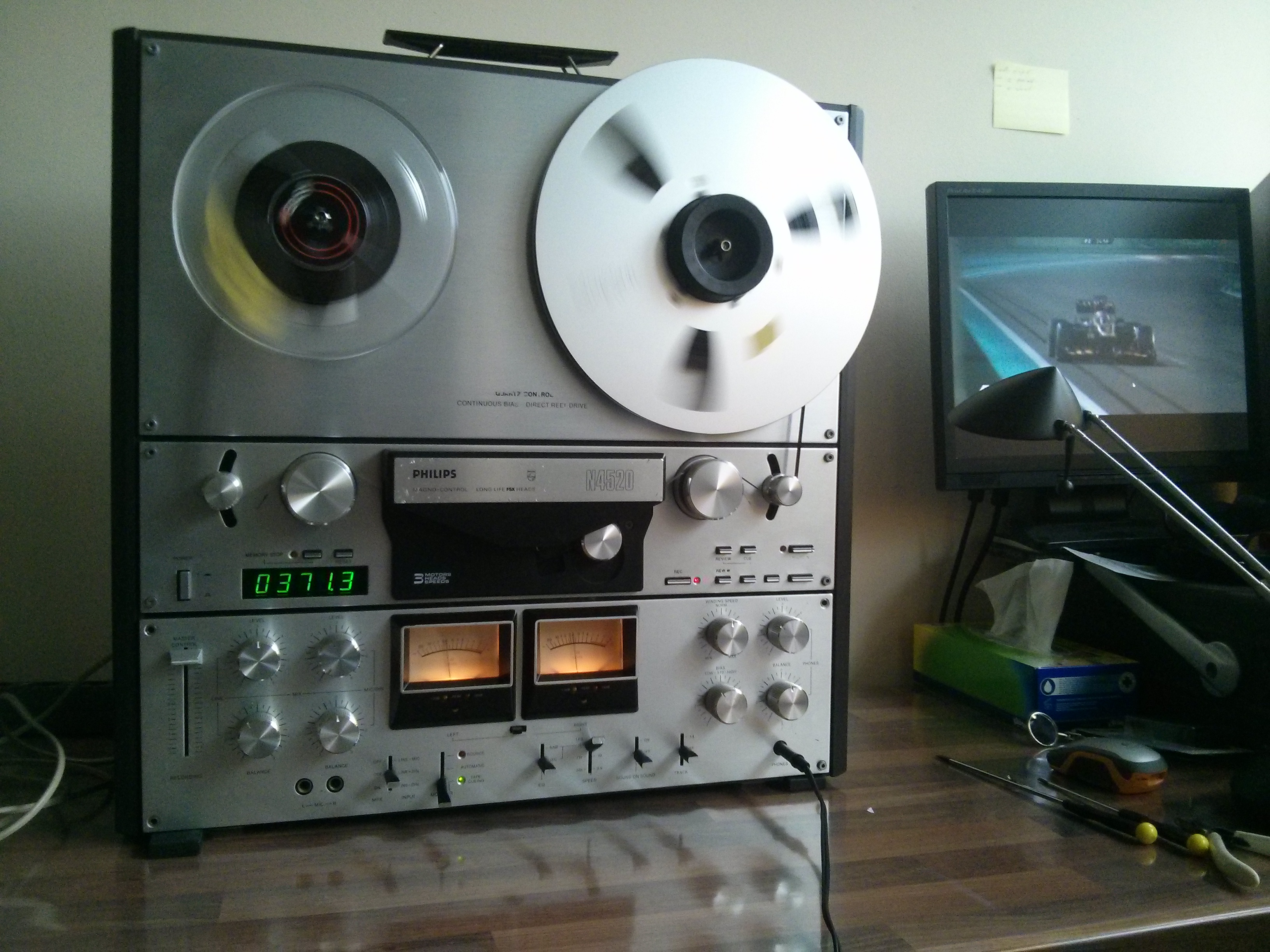
Here is a short clip:
Challenges
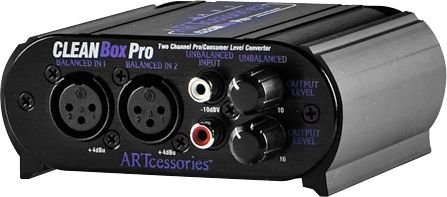
The Studer gave me some challenges. First, the inputs and outputs are the balanced XLR type. I already have adapters to/from RCA which I used for my Revox PR99, but the problem is the line level. My other equipment is home use stuff, so it’s line level is -10dBV. The Studer, being a professional piece of equipment, uses +4dBu. This box fixes the level conversion and the physical connections.
Second, the Studer was simply too heavy to carry up the stairs to the first floor where my audio room is. So it sat in the living room, happily enjoying the family life. And, between you and me, it sounds so good in the room.
Caps
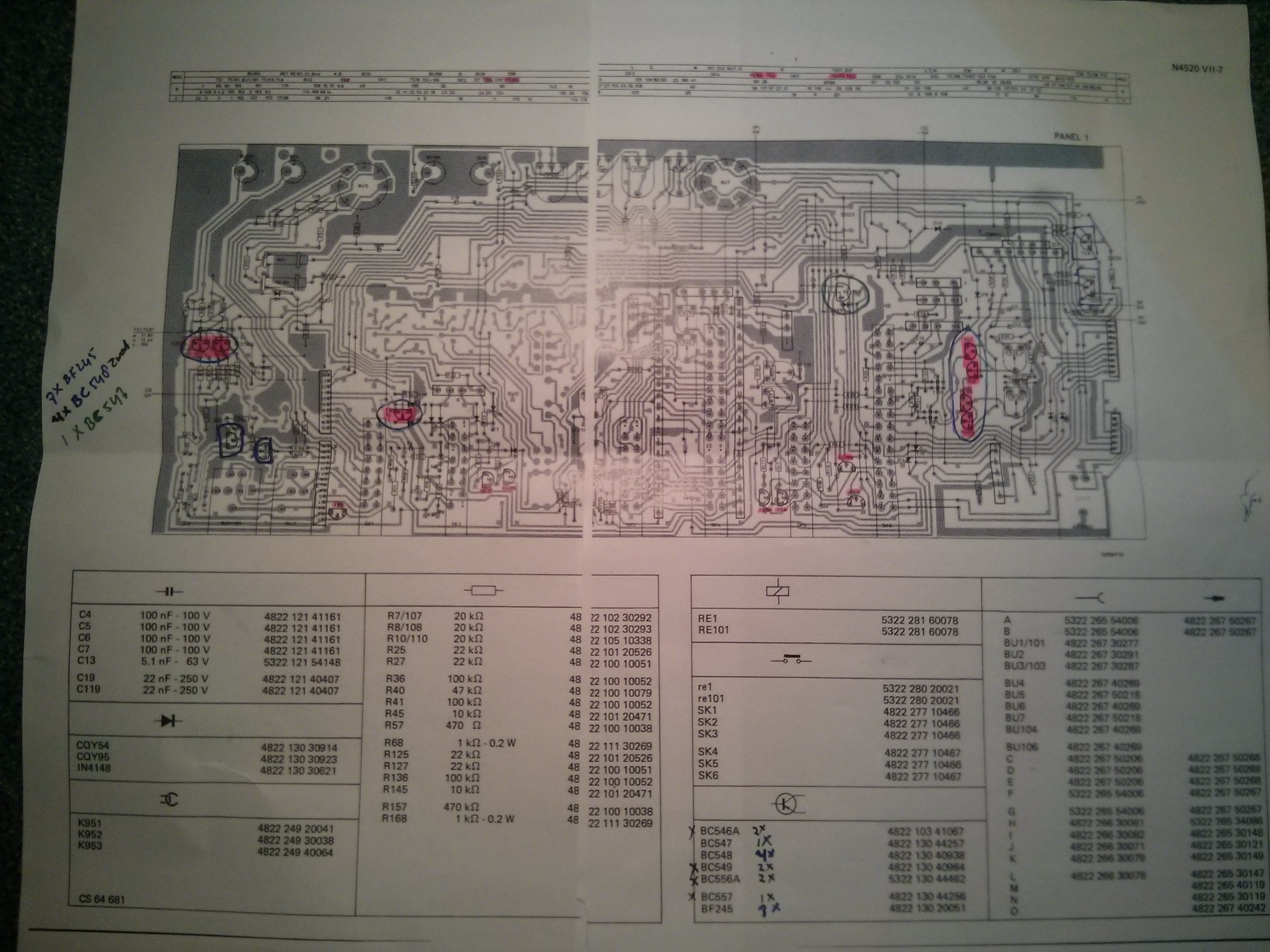
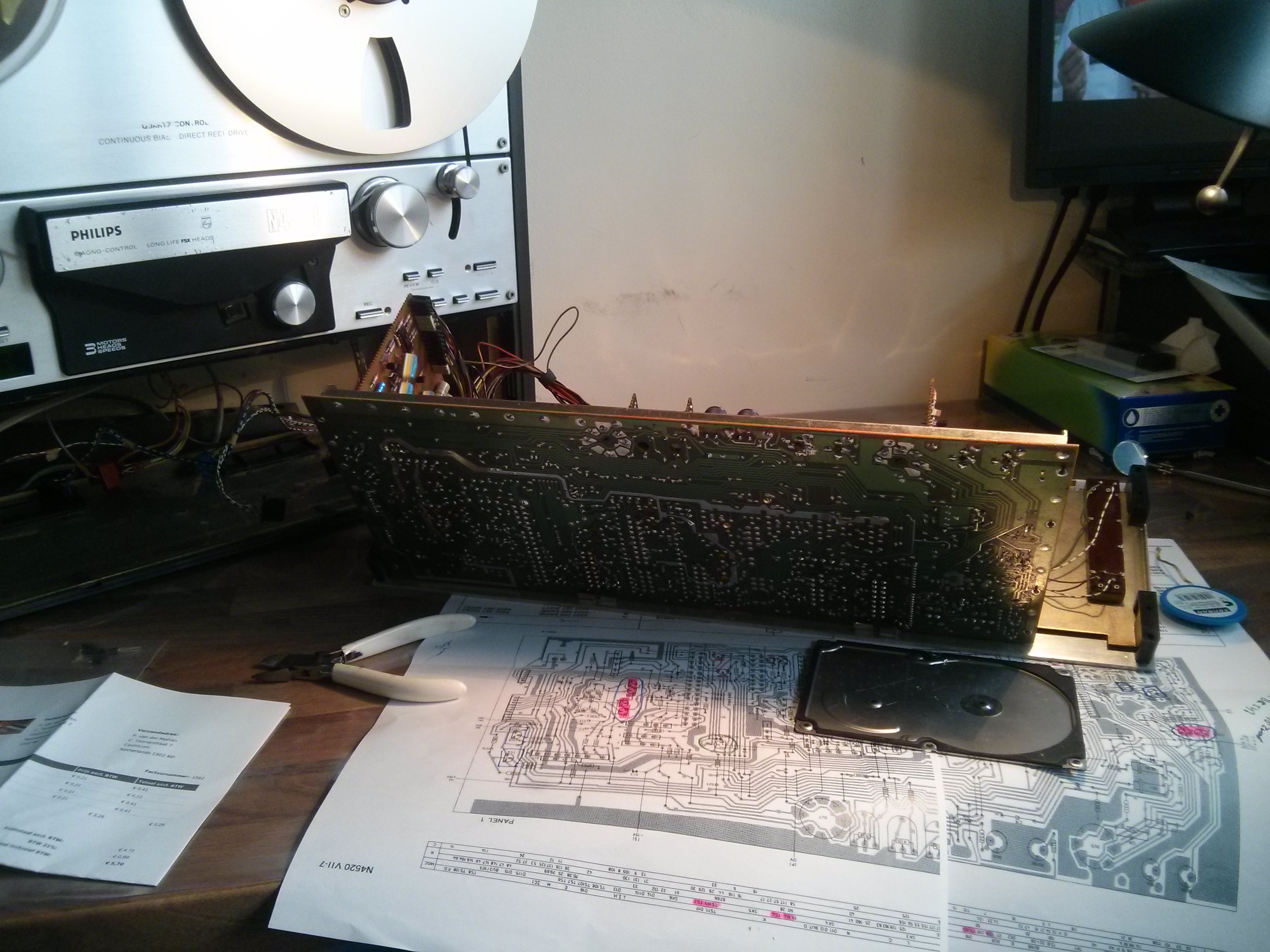
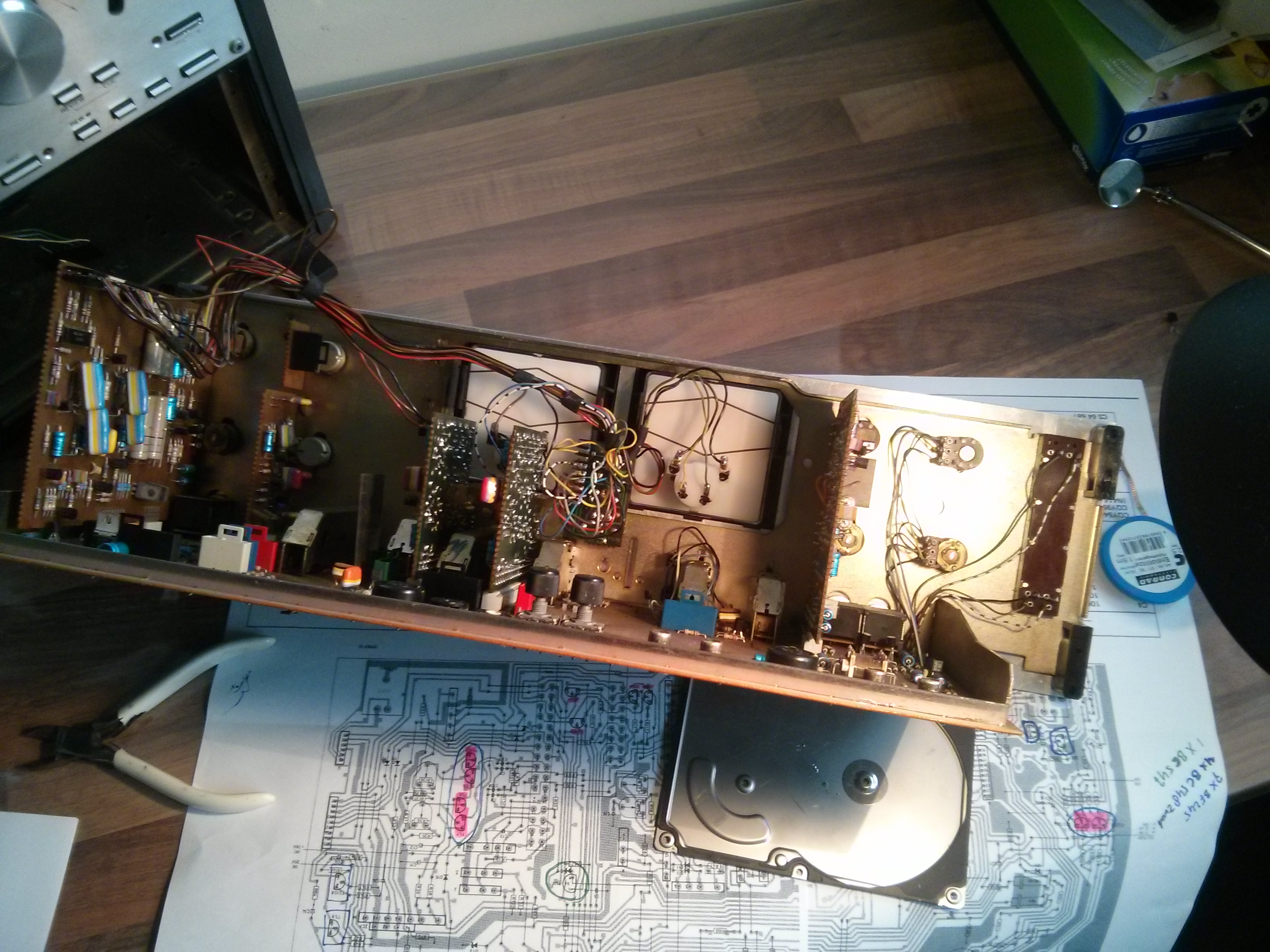
Unfortunately, after a few weeks, the left motor, the supply motor, was giving problems because the tension was not there in play. Also, rewind was not possible anymore. A search on the net and my supplier both revealed that on the board 1.080.383 there are 2 transistors that control the 2 motors.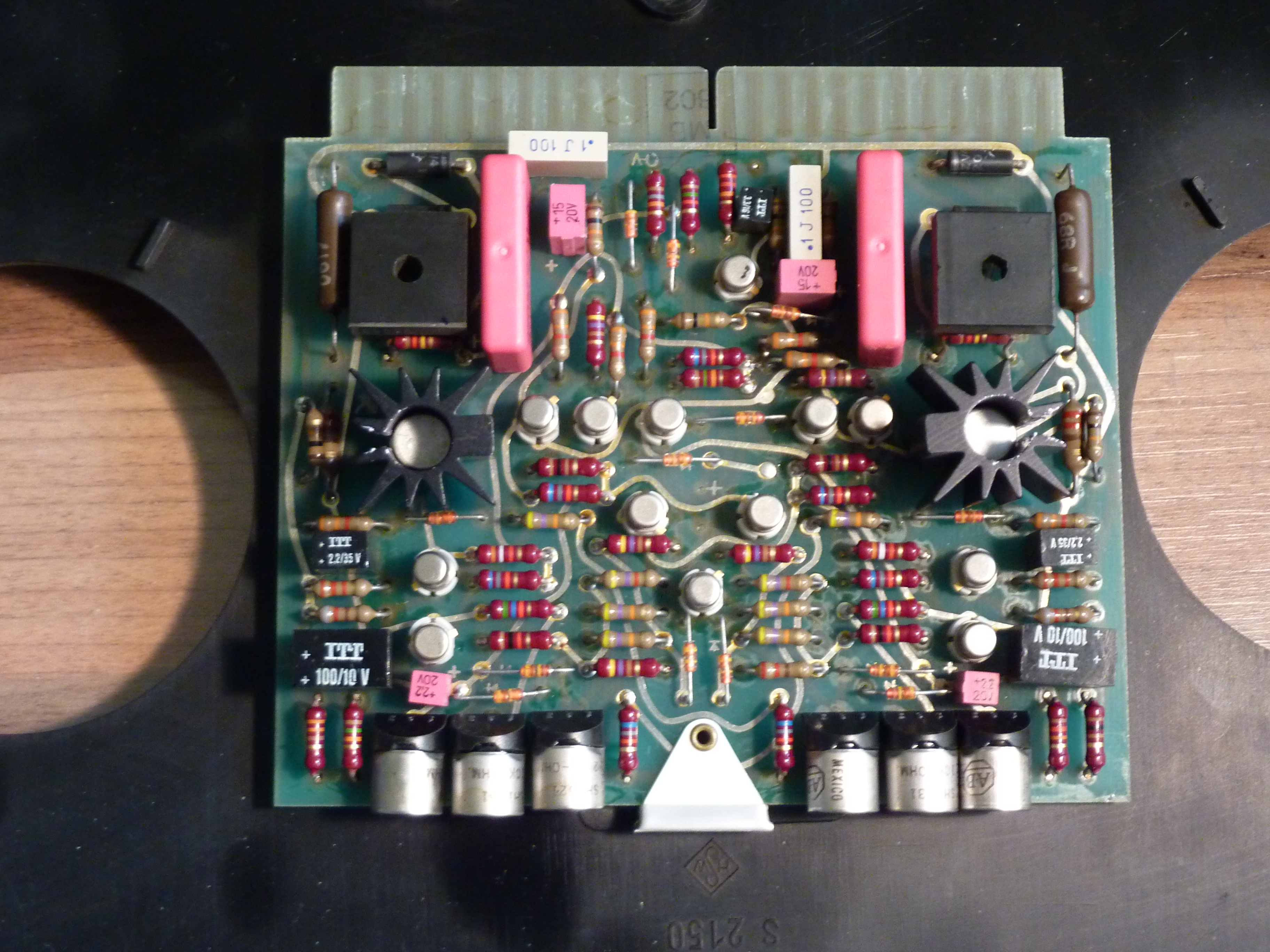
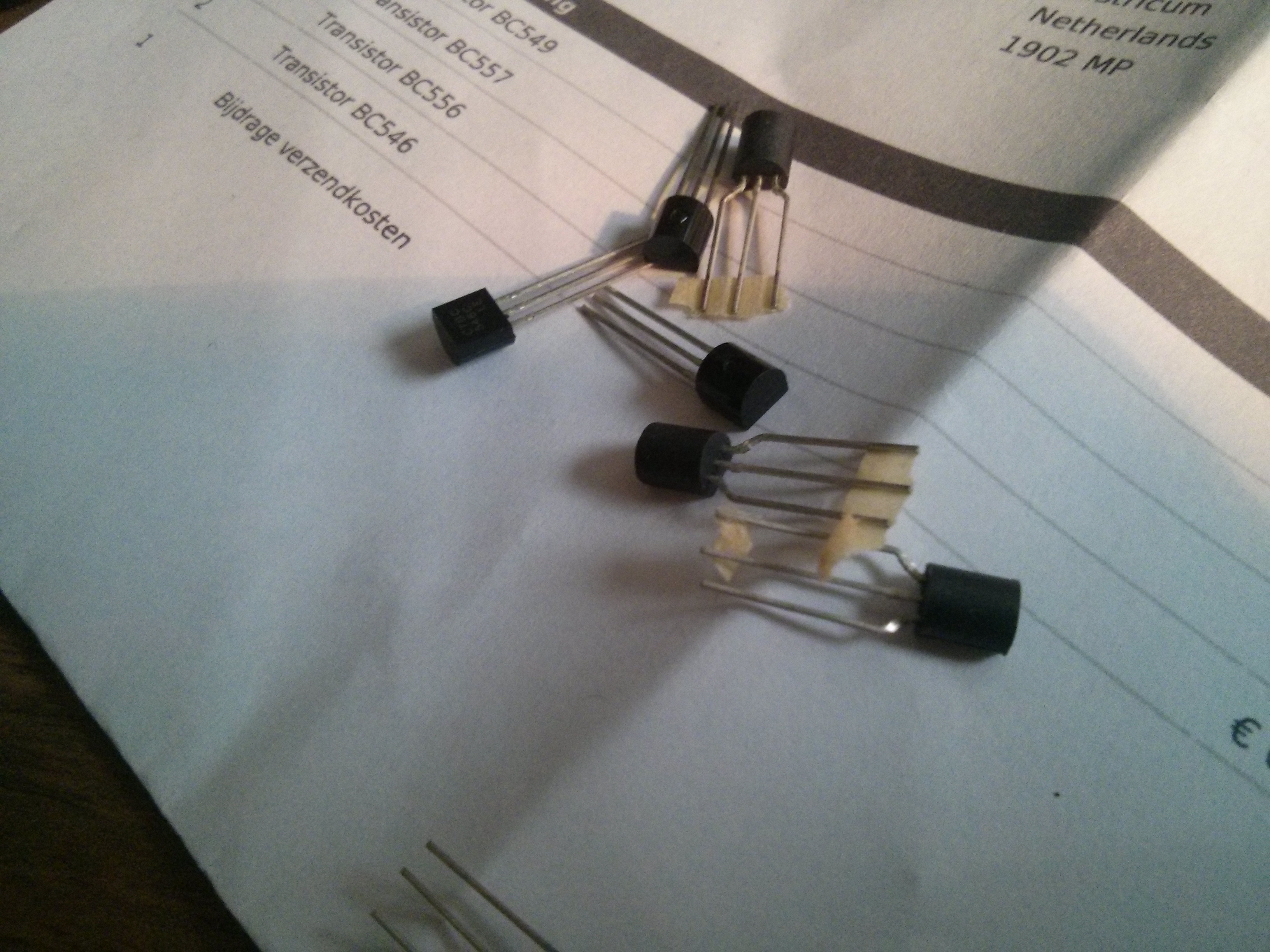
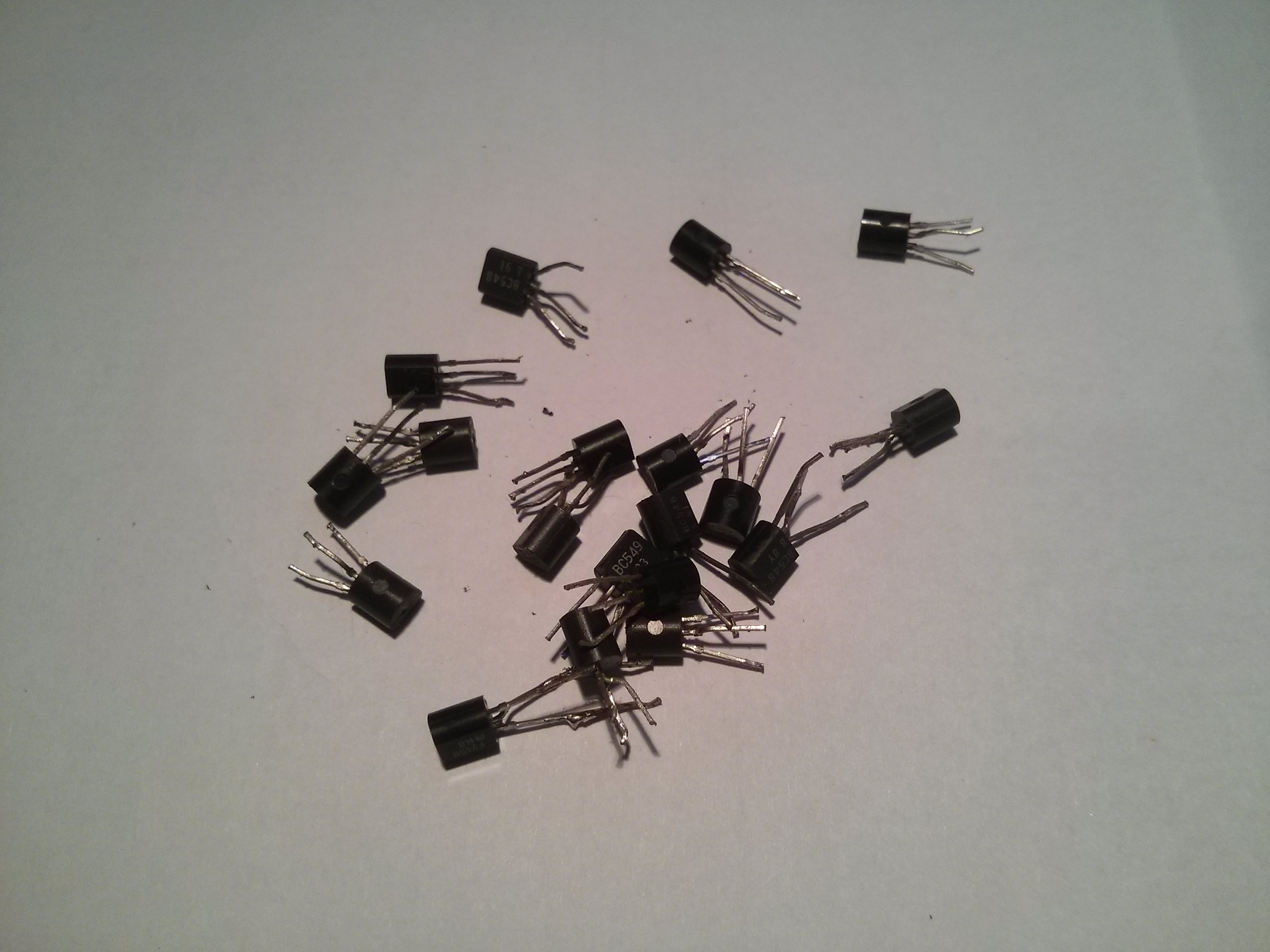
They are BC141-16 with heatsink on them. On my deck the one for the supply (left) motor was broken. I replaced him twice, but that was not the cause of the problem. The problem was elsewhere. The transistor blows as a result of that other problem.
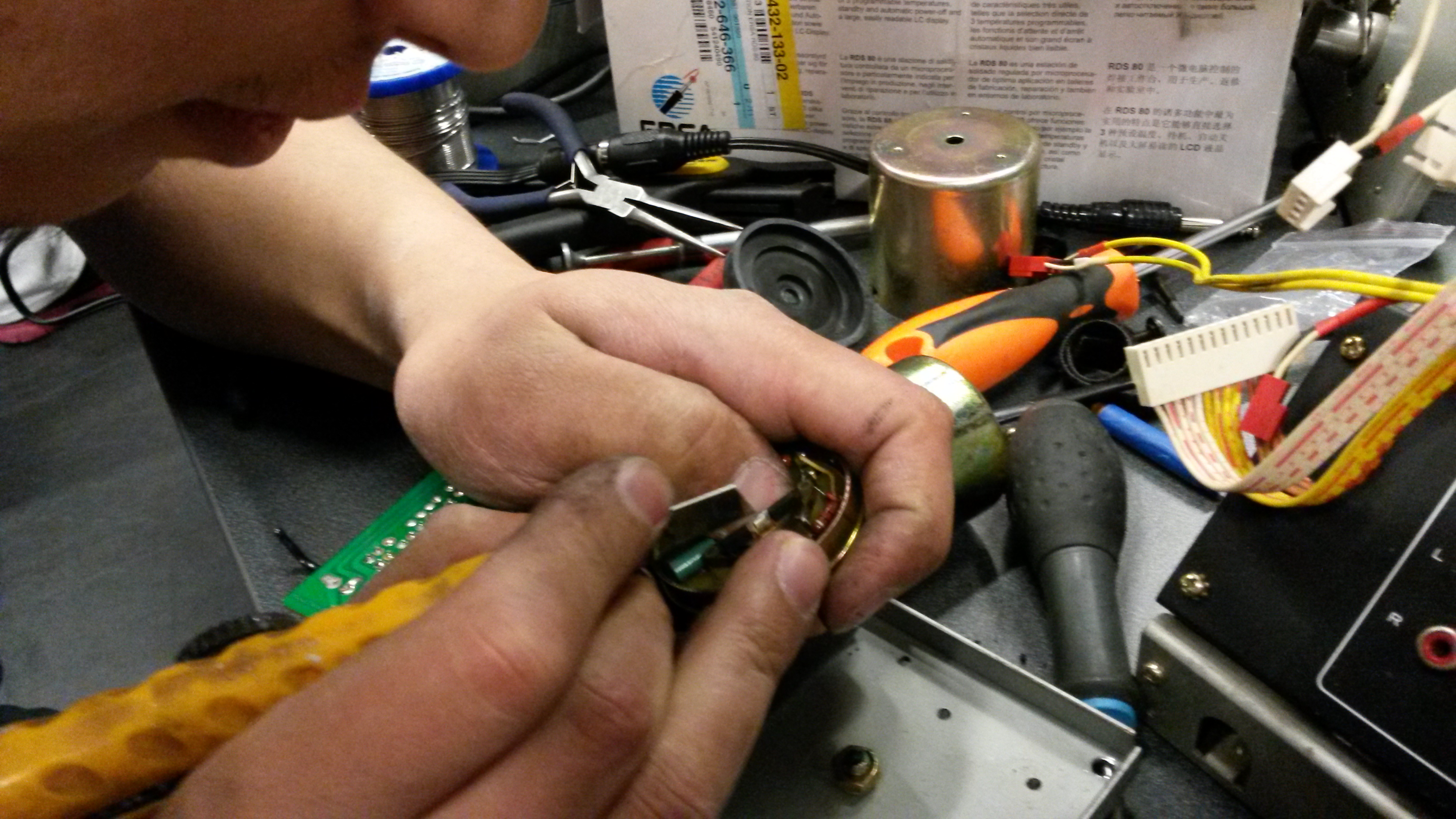
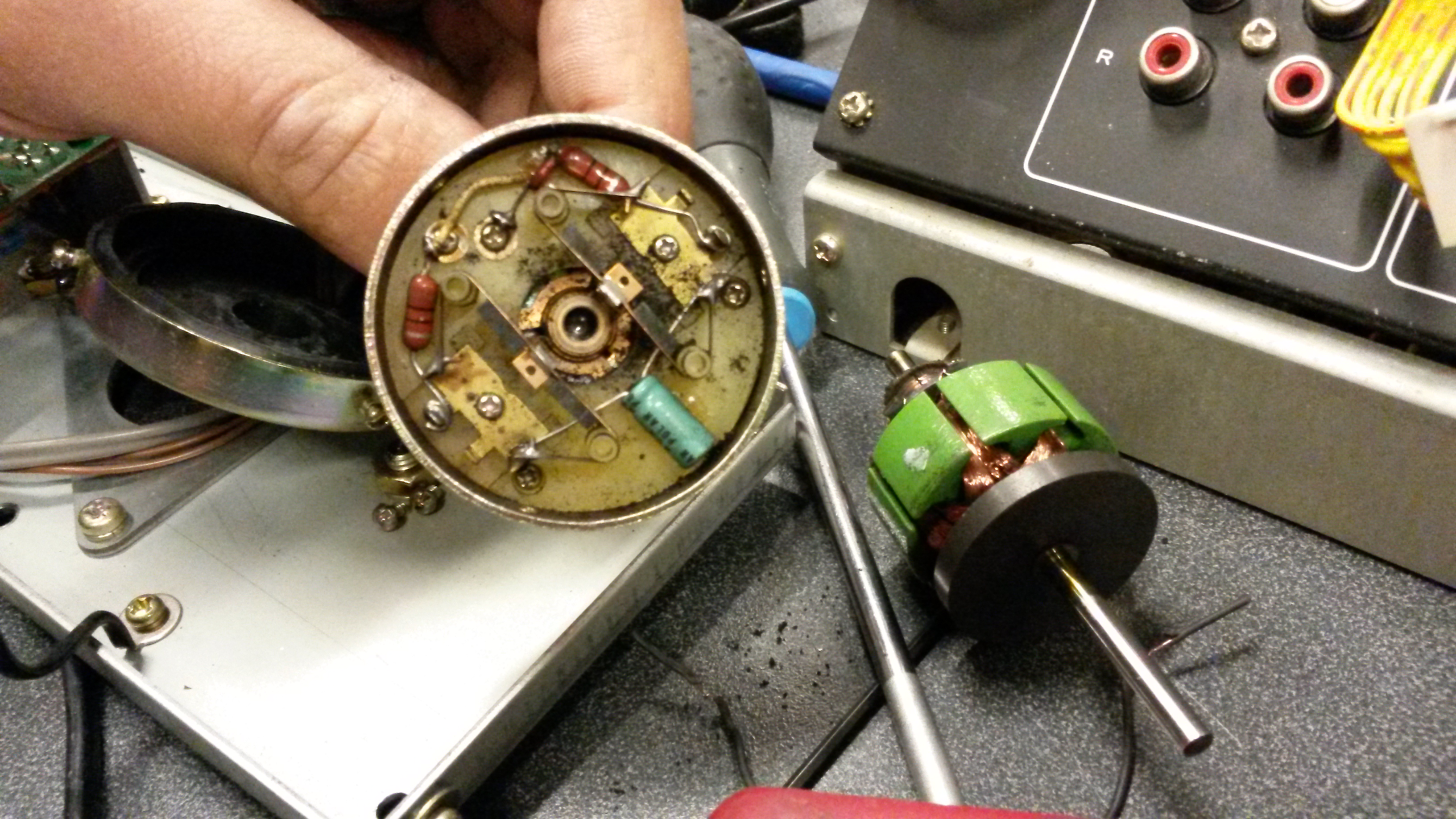
Further investigation revealed that there could be problems with the tension potmeters that control the tape tension (the A80 has a sophisticated tension control system) or with the motor capacitors that could be faulty after 30+ years. I tested the potentiometer and I could not find anything wrong with it. So I removed and tested all the motor caps (9 pcs.) and found they were not entirely up to spec anymore.
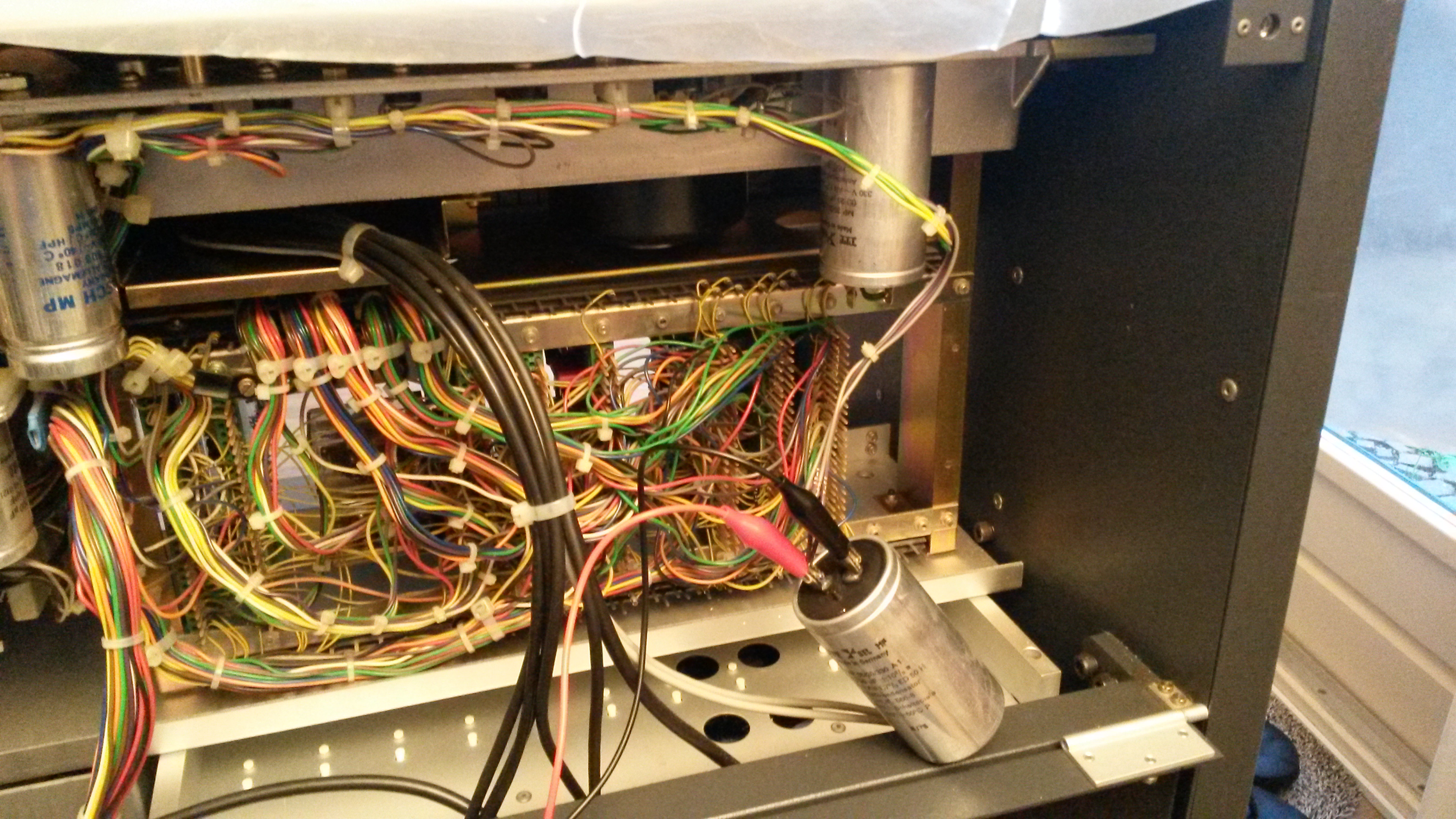
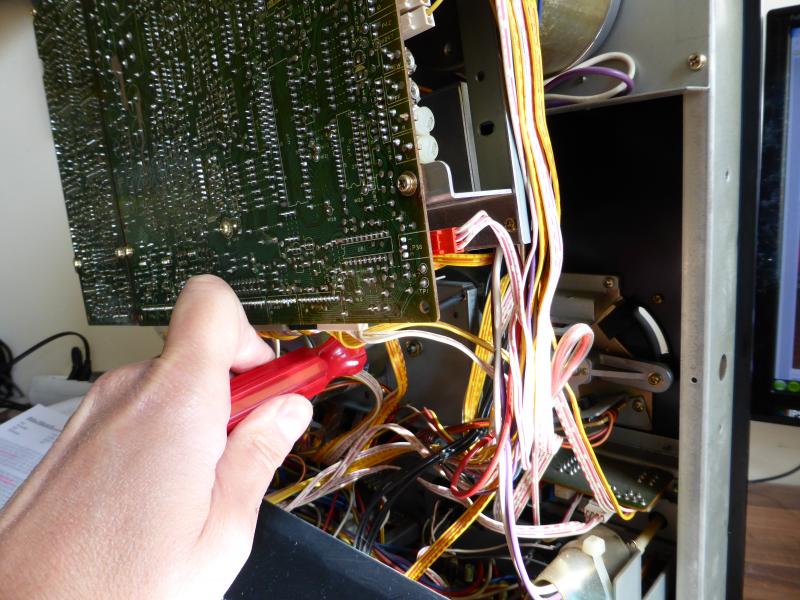
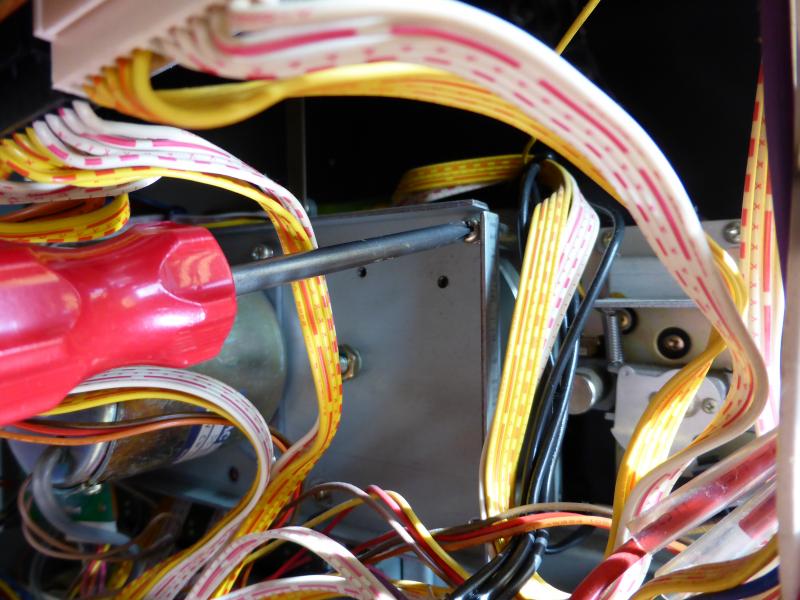
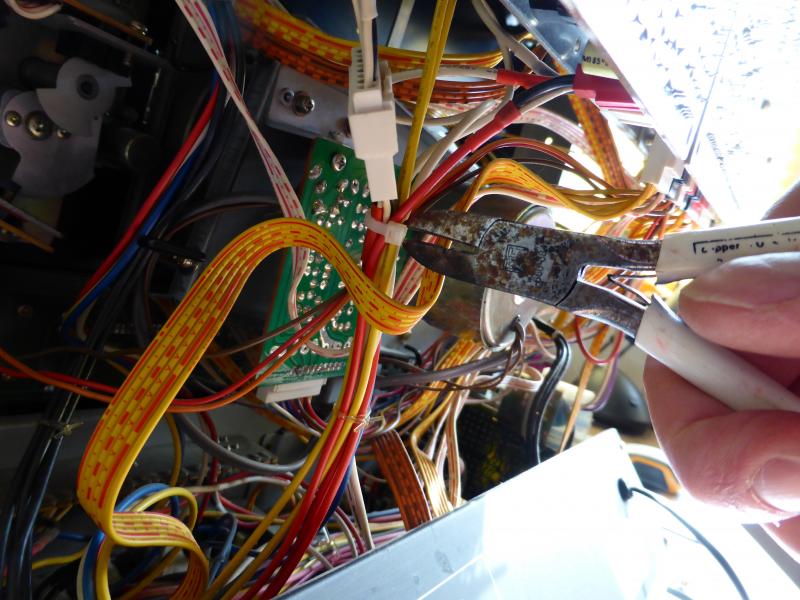
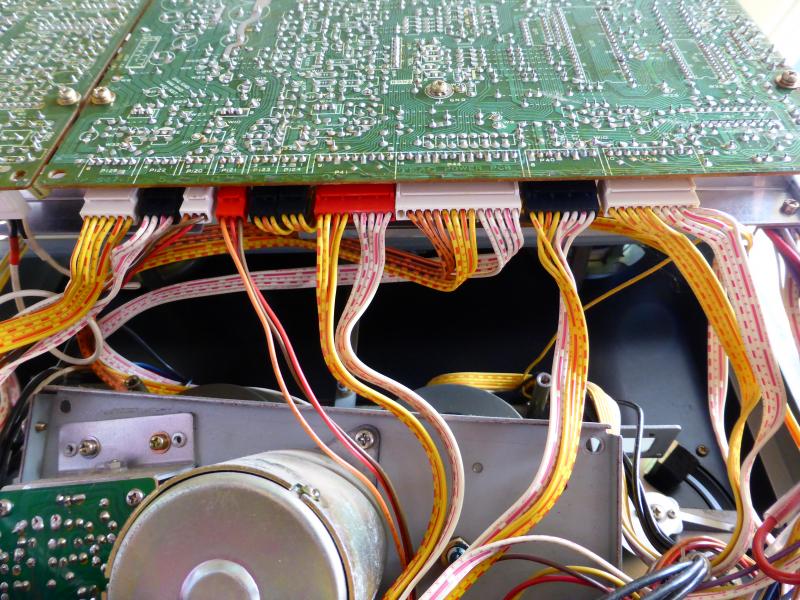
A80 rear – motor caps
I replaced them all, and installed a new BC141 just tot be sure. And so far, it works flawlessly again. Fingers crossed.
mechanical calibration
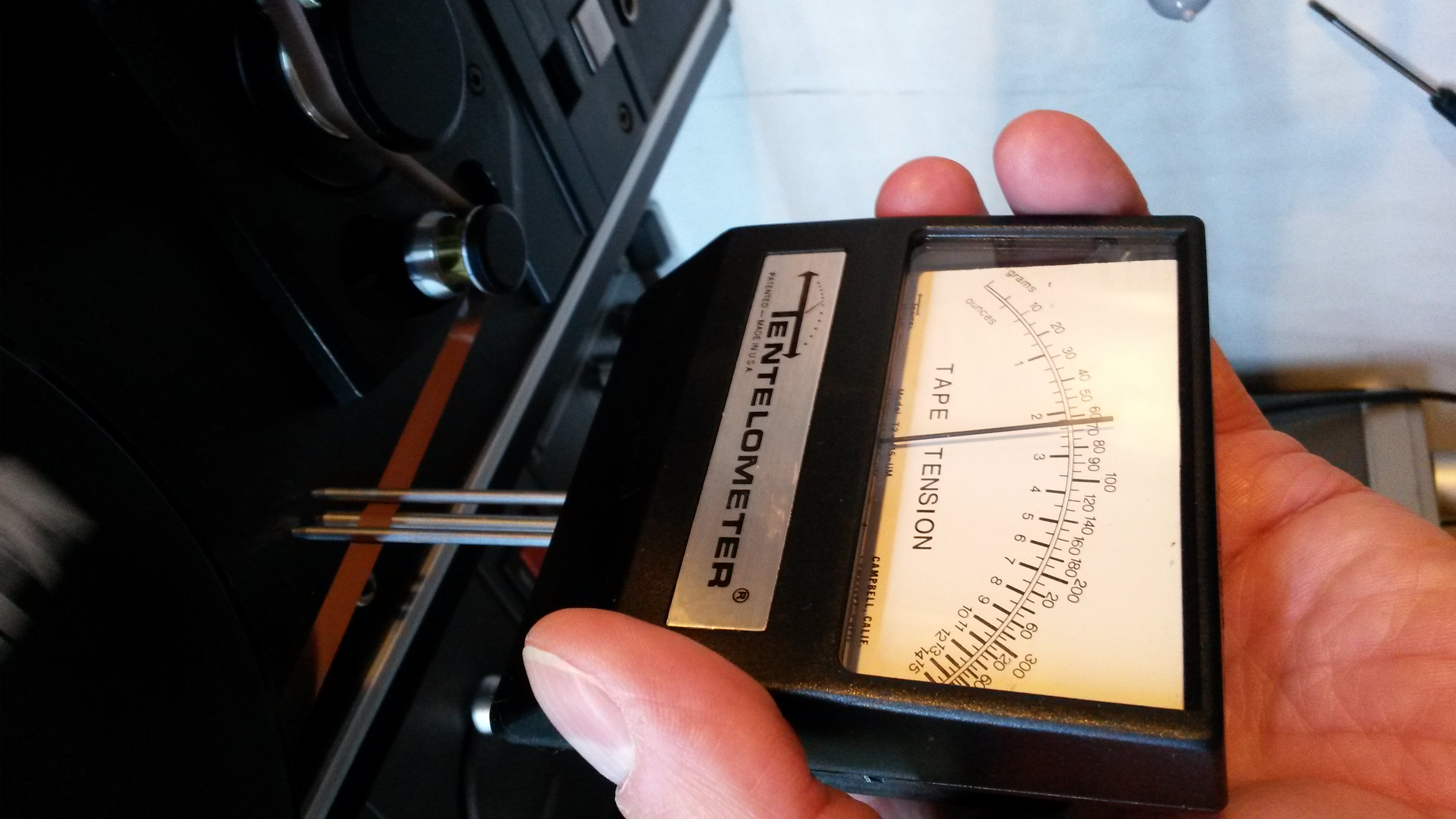
So now that all the caps were replaced, i though that the tape tension was a bit off. So i grabbed the service manual and started the mechanical calibration of the deck. This involves setting the (emergency) brakes, the tape path, the capstan pinch roller, and of course the tape tension and edit mode characteristics back to the desired specification. I have bought spring scales just for this! It was fun to do and the end result is here:
Heavyweight
So I had a Studer A80 in my living room. Now who can say that? It was always clear that it would have to be moved to the upstairs room eventually. When my brother-in-law heard about my problem, he thought it would be a challenge to get it upstairs. So one day he showed up on my doorstep. Long story short, an hour later it was done. Actually, it took almost an hour to do the preparations like attaching the rope appropriately (and carefully!), and it took just 10 seconds to go from the bottom of the stairs to the top of the stairs! So now it has reached its final destination, my “audio room”.
Testing
Being hooked up to some good sounding equipment, my trusty Technics amp and my new KEF Q700 speakers, and using my Philips SACD player as source, I made test recordings and played them back. My tape of choice was BASF 911 and SM900. The results were nothing short of spectacular! The level of OEMPF that his recorder is able to put on tape is astounding! And, those of you who are familiar with analog recording equipment will know that there is always noise (tape noise, vinyl groove noise, FM-noise, cassettes!) when working with these machines. Not so with the Studer! It is so quiet! And that is a piece of equipment that was made around 1970. Incredible.
I am still enjoying this beast. I am tempted to do the technical calibration as well to calibrate it for BASF 911 or 900, but it sounds so good already i’m not sure it would get much better, and there is always the risk of f***ing it up. So for now, i think I’m good.

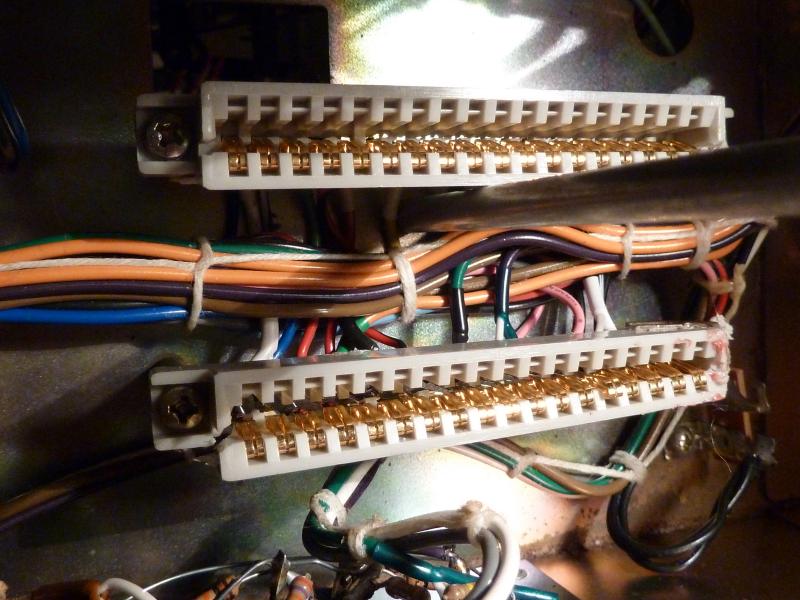
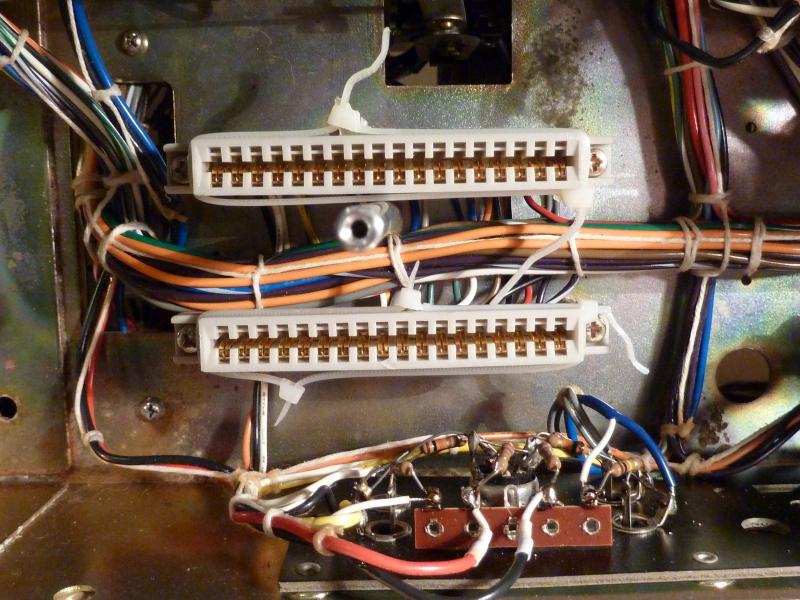
 They simply needed to be turned around, so that was relatively simple. I did not need to cross their legs.
 Mich D. White

 George Snell
 Michael Brenann
  Jaap Kroesschell
  Alain Deneef
  Jere Brewer
  Rob Rivet
  Philip
  Johan
Johan  Spencer
 William
  Philip

 Jacob
Jacob  Gabe
Gabe 
 GEORGE APONTE
 Scott Strang
  wangdidi
  Philip
  Bacek
Bacek 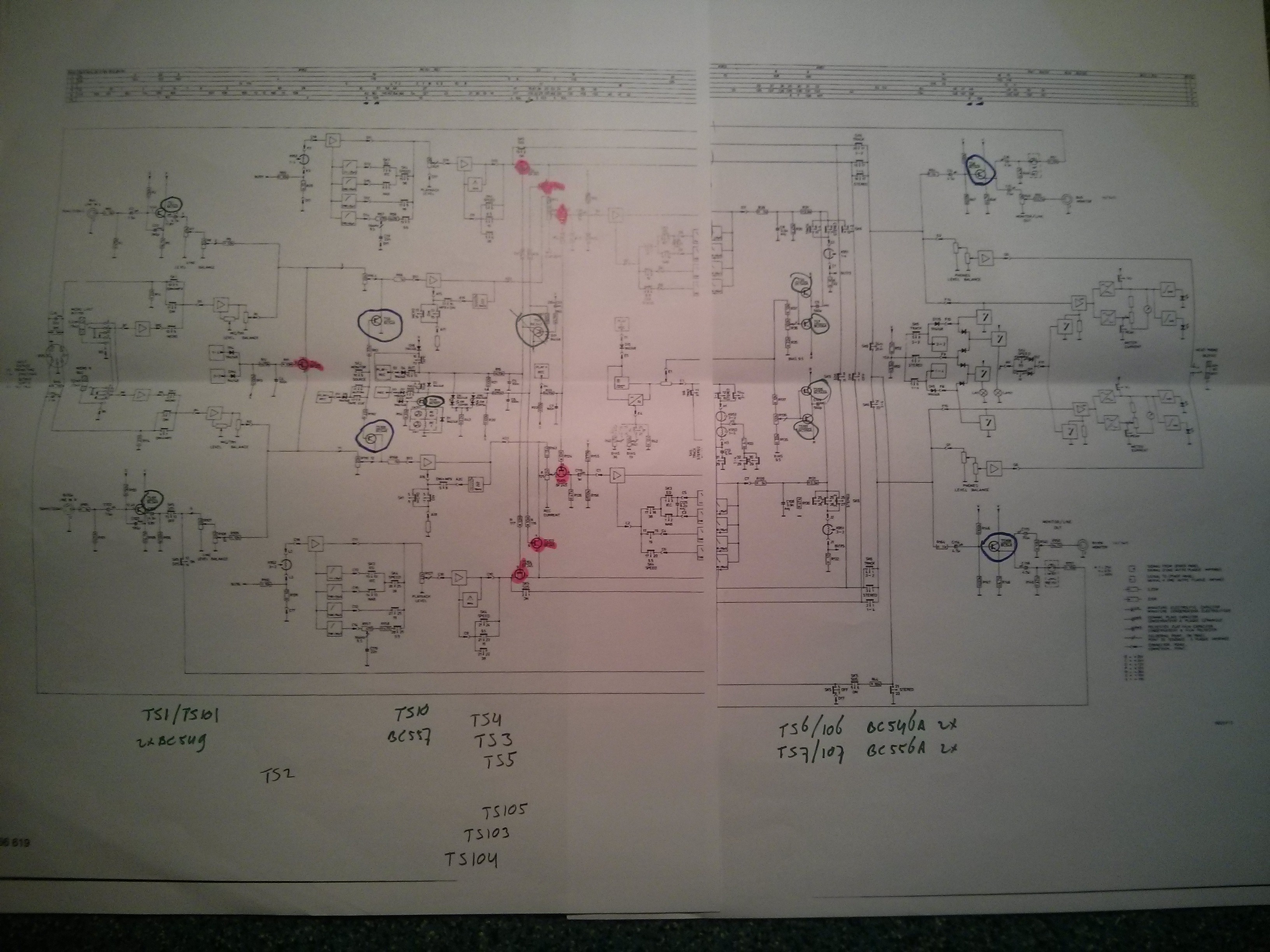

Hello Philip,
You knew I left some work for you to do 🙂
Your machine has been set to SM911 and, to be honest, you machine is sonically one of the better ones.
Most recordings on this machine …. not many to none. It was used as an edit machine in the former Dureco studios so that’s why it had about 5500 powered hours on it without recording hours. If you run SM900 you’ll have to push the level to 1,55Vrms to reach +9dB. With the SM911 you go up to 1,23V ak the defacto level of the a80: +4dB. But you can push it without problems to +6dB on the SM911. You were with me when I aligned the machine to SM911. To add to your article: your machine has the ‘Schmetterlich” head config. Also called “butterfly” heads. But the real truth is that it is a DIN head config machine (which has 2×2,75mm track width). Most machine that went to the US were NAB head config but for sure not all. IEC with DIN is still the best tape format, or you must go exotic and choose a half or one inch stereo head config. I am aware that there even is a two inch two-track machine. Hmm .. 300 euros for a tape which lasts 30 minutes tops at 15ips, or 15 minutes at 30ips … that’s 20 euros a minute for a two track recording 🙂
SM900 is a gorgeous tape but, I have tested the new ATR tape on my a80vu-mk1. Not good. I had to rework the record helper and bias amplifiers in order to get enough bias for this +12dB tape (!) After that and one alignment further it’s able to use the tape up to +15dB (equals +3vu). It’s scary .. no noise .. no hiss ..
I now have to work on another a80vu-mk1. Two channels DIN is fun but 16 of them is even better. This machine is well known to the Police (the group with Sting, Stewart and andy) This one comes out of the once very famous Wisseloord Studios. With a very late, or early hours, recording when they had fun, the “dodododadada” was recorded. The story goes that no engineer was around and Sting asked the cleaning man to start the recorder.
Hey Johan,
Thanks for adding to my article. I am still very happy with the beast!
I have recently been to Wisseloord and visited all studios. Studio 4 aka. ‘The Vintage Room’ was where I was able to admire the 16 track Studer A80 that they use there.
-Philip
p.s. Sorry for the late reply
This is my one: https://www.youtube.com/watch?v=3RwhzOIHx6w
Hi
I recently got an A80 in very nice condition, apart from some dust which was easily cleaned off.
However, I’d be interested in knowing the noise level on yours, as I’m having difficulty telling if I have a problem or not. I send from the outputs of my RME UCX at +4, and getting it back on analog in 7+8, and I can hear a very tape-ish soft noise when I crank the output to 0. Is that normal operation, or should this thing be dead silent?
Hello Jonas,
Congratulations on obtaining your A80!
Do you record the signal on tape? Mine is dead silent when good tape is used.
Hi, and thanks 🙂
Yes, I record and repro simultaneously. Have ordered some sm900, so I’m pretty eager to see if that’s a fix. Using old agfa *something* now, pr528 I think. What do you normally use?
Best
Jonas
BASF 911 and also the Agfa PER 528. Mine is calibrated to 911. SM900 should be pretty good too.
Hi Philip
Looking around for information’s about A80RC I have,I found your beautiful Blog. In this moment I almost completed the mechanical inspection of the tape path and changed several bearings. I would like also to change some capacitors of the motors control ,but I have difficulty to find the 20μF and the 10μF both “stud mount”. Do you have their exact voltage and some source for them???
Greetings from Athens
George
PS. The Studer is 7,5″/15″ 2 tracks
Hello George,
Thank you for your kind words.
I have searched the archives, but I have been unable to find the parts that I used to replace the motor capacitors. The supplier does not have the records either. Bummer. But I remember that I had trouble finding the right capacitors mount-wise, so in the end I had to do some creative mounting and ended up taping some to the frame, IIRC. Hey, if it works, it works ?
Have you looked at the service manual? You can find it at my site http://pvdm.xs4all.nl/
or
http://ftp.studer.ch
I am also very interested in changing some of the bearings, as some are noisy right now. Do you have an instruction for that? I really don’t know where to start. And I would like to know the source of your bearings as well.
Hope to hear from you,
-Philip.
Thank you Philip
I think I found at least the 10μF ones :
http://gr.rsdelivers.com/product/epcos/b32332i6106j080/epcos-10%CE%BCf-polypropylene-capacitor-pp-450-v-ac-%C2%B15-tolerance-stud-mount-b32332-series/7694273
I am not sure it is the proper ones,so I asked to a friend to see if is ok and I will let you know. My Studer is in very good condition an is recaped also BUT AS YOU SAY creatively.I don’t like it. For example those 2 caps are with tairaps on the chassi.
Now about the bearings. It is not a so difficult job. A test for see what bearing is to change is: FF or RW mode and by hand you try to stop one by one all the rollers starting from the left. If you notice the noise is getting less there you are. I changedfor the moment the pinch roller,move roller,all tension rollers
For the pinch roller I used 2 NOS ,for the move roller I used SKF 61900-2Z and for the tension rolers SKF 623ZZ. All the bearings on the machine are : The big ones 10mmID X 22mmOut D X 6mm Width.
The small ones for the tension rollers : 3mmID X 10mm X 4mmWidth
You need mostly a circle clip plyer and for sure the small circlips for the tension rollers. If you go to a SKF agent they will guide you (I hope)
Now they say a lot of things about the bearings out there. ATHAN Co is a Suder specialist in CA sells the bearings 25USD each http://www.athan.com/cgi-local/store.cgi?product=1479. I don’t know if it’s worth.
In the mean time my friend called me and the cap above is ok as replacement for the 10uF cap.
If you want some more details let me know.
I see that you are well equipped , me too.
I have a 4 Ch.Rigol oscilloscope, Audio Precision Portable one dual domain (fantastic device) several multimeters, Tentelometer,HAN-D-MAG degausser
Have a nice night
George
Hello George,
That is exactly the method I use to determine which roller is making all the noise! 🙂
Anyway, I knew when I got the Studer, that the rollers were far gone and probably soon needed to be replaced.
I want to ask you, the SKF roller numbers you used, are those the original spec? Or perhaps even better? And how did you know?
I ask, because there is a lot of discussion on the web about the rollers of the A80, and I want to have the best (most silent) ones available at a reasonable price. But I am prepared to pay some extra if it is a super-duper roller… 🙂
Do you think the NATHAN ones are better? Maybe there is a supplier closer by in Europe…..
Anyway, hope to hear from you soon. I can’t wait to start to make my Studer more silent!
-Philip
Hi Philip
I’m quite new to R2R (apart from my childhood in the sixties and seventies) – and I was fortunate to be given a Studer A80 Master Recorder quarterinch two track machine a week ago. It had some ot the behaviour of yours. I managed to record a few minutes of test talk with it – which sourded really good.
But now recording is broken. It spools and plays well, but recording stops slowly within a couple of seconds. I suspect a capacitor.
When I depress the Rec and Play button, they do not stay in place – If I hold them, the recorder works for a second, then slows down to a halt, and after a couple of seconds, the take up reel goes in reverse for a second and unreels 4-6″ of tape, then stops. When I release the two buttons – it begins play.
I’m looking for answers. I have had the row of buttons removed (very nice modular design – I simply love it) – but contacts seem fine.
Greetings from Denmark
Hello Gunnar,
You were *given* a Studer A80? Wow that is amazing. That sort of things never happen to me. ?
You have a great friend!
About your problem: it could be related to the transport electronics. I don’t suspect it to be the buttons. The transport electronics are located on some plugin cards in the machine, and also the big capacitors (the ones you see in the photo) play a large role in the tape handling. Any of that could be faulty.
And after that has been repaired, tape handling calibration is absolutely necessary. After that, the tape handling is super-smooth again. Read the Service manual and get to it, I suppose.
Or if that is a little bit out of your league, try to contact someone nearby who can help you or do the repairs for you. The studer list is a great resource. Google it.
-Philip.
I have very nice friends.
I also now have a very fine hobby.
I’ll be changing capacitors, a couple of relays and cleaning and lubricating for the next few weeks, I suppose.
Then I’ll look into calibration. Right now it runs smoothly.
I’m preparing by reading the manuals. I actually printed the whole thing and put it in a binder.
Thanks for your feedback on my problems. Listening carefully.
I can do good soldering and I have a multimeter and an occilloscope, so let’s see if I also can do audio-calibration soon. ?
This machine lends itself to turning on too may calibrations. So far I’ve shyed away from it, as I believe I would very soon run into “chaos” by fiddling with all those adjustments.
Hello Gunnar,
Do I understand correctly that the problem is fixed now? I hope so!
-Philip.
Hi Philip,
I’m interested in a Studer A80mk2 2inch 16ch.
Ik wondering which kind of things I should keep in mind before buying the machine.
Any tips and advice would be great!
Hello Jimmy,
I am not an expert on the multi-track Studers, but I can give you some hints 🙂
First, what is the need for you to buy the machine? if it is for a professional studio, to do serious recording work on it, the requirements are probably different than when it is for other use.
Also, what is the price? If it is cheap, you can not expect as much as when they are asking a lot for it.
You will need to check if the machine is in good condition. Check the heads. Is it in working condition? Do some tests with it. Do all the channels work? Can it be calibrated? When was it last serviced? Are there known issues?
A lot of things can be critical on this machine. I have heard of power supply issues, capstan issues, channel issues, pinch roller issues, bearings, audio cards, you name it.
But the upside is, that almost all things are repairable, so that need not be showstoppers.
You should either buy it from a respectable and knowledgeable seller, that you can keep in touch with, or have a friend technician come with you to take a look at the machine.
Fortunately, there is a LOT of help available online, as the Studer community is very large and active.
-Philip.
Hello Jimmy,
In the next weeks I will have for sale a ….STUDER A800 MKIII ….2″ …16 TRACKS ! ( much better than a A80 !) Fully rebuilt on mechanics and electronics by a professional Studer service eng. ( me ! )
Heads relapped as new condition.
Complete with a Channel Remote Control and a Tape Transport Remote.
All in the most perfect condition you can imagine.
Hi Philip,
Thanks for your reply,
The machine, 2inch 16 tracks, will cost around
€6000,-
The machine is for almost a year not in use.
So the owner hasn’t used it for a long time…
It should be calibrated and get serviced I think…
This week I’m have an appointment to
check it out.
Hi Philip, I am a colleague from the analog audio meets.
I also have a studer A80 (via route Johan) and I am happy with it anytime I have time to play with it,
Best pros are the way it handles (old) tapes and the utterly nice sound. great dynamics, but always smooth. a real master of a machine.
I had only one (small ) problem from the start, the tape end switch does not work. so the first time I left the machine unattended it kept on spinning after tape ended and smoke cam from the machine. We fixed that, but still the machine does not stop automatically . I really want to have that fixed, and based on all the youtube movies , I can see you have quite some skill. would it be possible to make an appointment, or is it something I can fix myself ? please tell me where to look , thanks upfront, Martijn (reelx1)
Hoi Martijn, I remember buying a quadraphonic 8-track player from you 🙂
About your problem: I’m not sure how to fix that, I have no experience with that. I found some suggestions on the internet about a misaligned sensor. Also you can check out the Studer Yahoo group located here: https://groups.yahoo.com/group/STUDER. That is where the REAL experts are…… and they are really helpful.
Hello Martijn,
Late answer perhaps but still ?
Did I sell you your machine ? I cannot recall … maybe i’m getting old ?
But here is a solution:
Attenuator and preamplifier card 1.080.396
The LDR in the lower tube is becoming old and its value is going to change. Every Studer with this particular light sensor does have this issue, or will get it. Even on the A800 is one, but that is used for ‘tape time’, not for EOT. On the A80 in the transport cage you’ll find card 1.080.396. If you look at the schematics of that card and the sensor circuit, you’ll see two resistors, that are in parallel, and in series with the lightbulb. It’s a 10 ohm, 5W resistor (R12) and a 68 ohm, 1/4W resistor (R11). The lightbulb is in the upper tube of the sensor. What can be done is ‘drill’ out the tube with the lightbulb. not to destroy the wires. There are two plastic sleeves in the tube. the first one holds the lamp, so don’t drill too deep as the second sleeve holds the lens in place. I have replaced the lightbulb for a 20mA bright orange LED, which I soldered on after removing the lightbulb. Now the tricky part is to align the LED inside the tube so it produces the correct direction of the beam. It needs a certain brightness so that the tape trips the sensor again. I would say start out with 270 ohm: Remove the 10 ohm resistor on .396 card, and replace the 68 ohm resistor for ~270 ohm. The voltage over the lamp and resistors is 5,8V, so do the calculation. Please do note the polarity of the LED. Turn on the machine, align the tube, and test EOT. If it works, leave the machine on for an hour and then test again. If it fails you’ll know the LDR value is changing when warming up, so you need to let it settle. My A80’s do work fine with 220 ohm. You can choose any color LED you want but, don’t go beyond the 20mA type. This ‘extends’ the life of the LDR a bit.
If the LDR is really failing, it needs to be replaced. Only thing to do is adjust the circuit to the somewhat different working area of the new LDR perhaps.
Greetings,
Johan
Hi Philip.
I am looking to buy a Studer A80R too. I’ve found one for a reasonable price but it has developed the same fault as yours being the motor card. The left hand reel wasn’t working properly.
They are currently getting the card repaired but I’m now thinking that it could be the main power caps (like yours) which are causing the problem.
I’ve not bought it yet so I’m open to more information on owning such a machine.
It won’t have a hard life as it will be used in my home and studio occasionally.
I’ve just requested to join the yahoo group too.
Any more information would be most welcome.
Hello Josie,
I am sure that it is fixable. It just needs the right amount of TLC (oh, and some repair skills 🙂 )
It also depends on how much you want it and how much the unit costs.
I really really really wanted it. A few years ago the prices were not as absurd as they are now. Fortunately I could fix it.
Where are you located?
Hi Philip.
Sorry about the delay, I only just noticed your reply.
Thanks for the information.
I’m in the UK. It looks in good fair condition for the price, needs some cleaning etc.
Do you have an email so we can chat easier?
Kindest Regards
Josie 🙂
Hi Philip, i found your website via Youtube.
I’m taking delivery of a Studer A827 soon and i already want to check out who can service it in Nederland.
(The machine i’m getting is supposedly in almost mint condition with only 880 hours on it, but i’d still like to be prepared!)
Perhaps you’re qualified or you know someone else who is?
Please mail me at: dariusvh@gmail.com
I’m located in Amsterdam.
I’m English by the way.
Cheers!
Hello Philip,
We are in 2019 now. It took me me two years on and off to restore, or rebuild, and normalise a Studer A800 Mark-II 24 track machine. If you call your A80r a beast, then come and visit me one day before it’s going out in a rental construction. The A800 is not a beast, it’s a monster which comes in at 355kG ….
Also I have started working on the A80-16.
You have been to the Wisseloord studios. When the Wisseloord studios bought the first 16 track Studer machine, they did not buy one. The A80-16 now in the Wisseloord studios, if it never has left the building, is serial number 92, which probably is the most famous A80-16 in the world.
Don’t ask me how but somehow I have serial number 93 here. It is being restored … rebuild … the parts counter at the moment is just shy of 7000, that’s a ‘few’ time more parts than what went into the A800… Me thinking: ‘omg what have I started by producing 302 pieces of the A-101 in discrete version’.
The positive thing is that, since the A80-16 had 14 fully working channels, I have about 250 pieces of original A-101 modules. I will sell them to anyone who is in need of a cheap repair. But since I have produced 400 pcbs for the A-101 I will sell these for a 101-DIY project.
Btw. My ‘personal’ A80vu high speed has also become fully discrete. Those later transistors do their job very well. The noise of the original A-101 is gone. Use SM900, not 911. 911 is +6dB. It has got its attitude though as it goes exeptionally well with hard-rock, metal, etc. Or order and try the +12dB tape from ATR Magnetics … it’s crazy 🙂
Hi Johan,
It is 2020 now. It seems that I have 4 of those A101’s that you produced right here on the bench. I got them through a mutual friend, A3 H. who got them from you. I was thinking of buying a B67 that he has got at the moment, but that is another story.
I still have to assemble the A101’s that I got, because the transistors are delivered separately.
But first I want to do a noise test before and after, just to see if there is much difference.
-Philip.
That is nice ….!
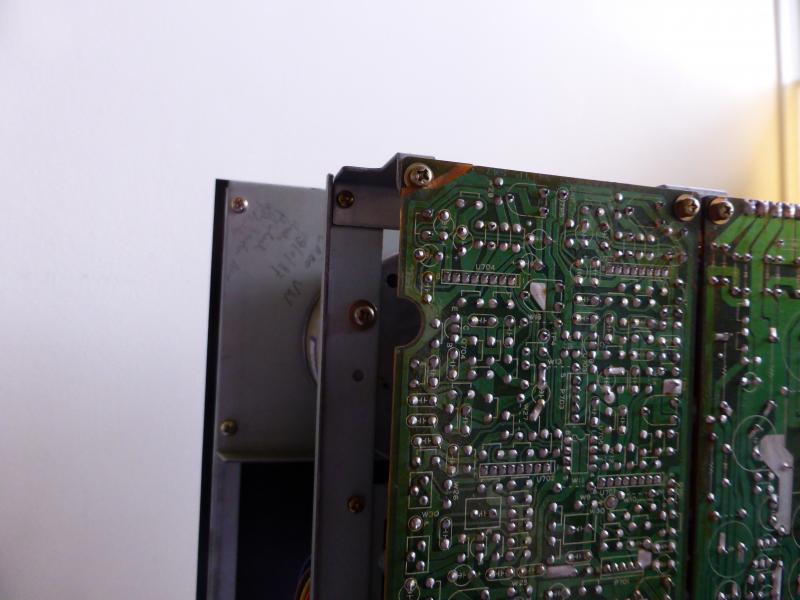
At the moment the A80 is acting up again. The machine starts spooling when there is no button pressed. I think its the 1.080.383 board, where the two BC140/141 transistors have gone faulty again.
I have just replaced them (again – it is a good thing I had ordered a lot of spares when the problems started) but before I put the board in again I want to renew the two associated caps MKS4 0,47 µF just to try to solve the problem. Because I believe that the constant failing of the BC140/141’s is not the cause, but the result of a problem that is located elsewhere.
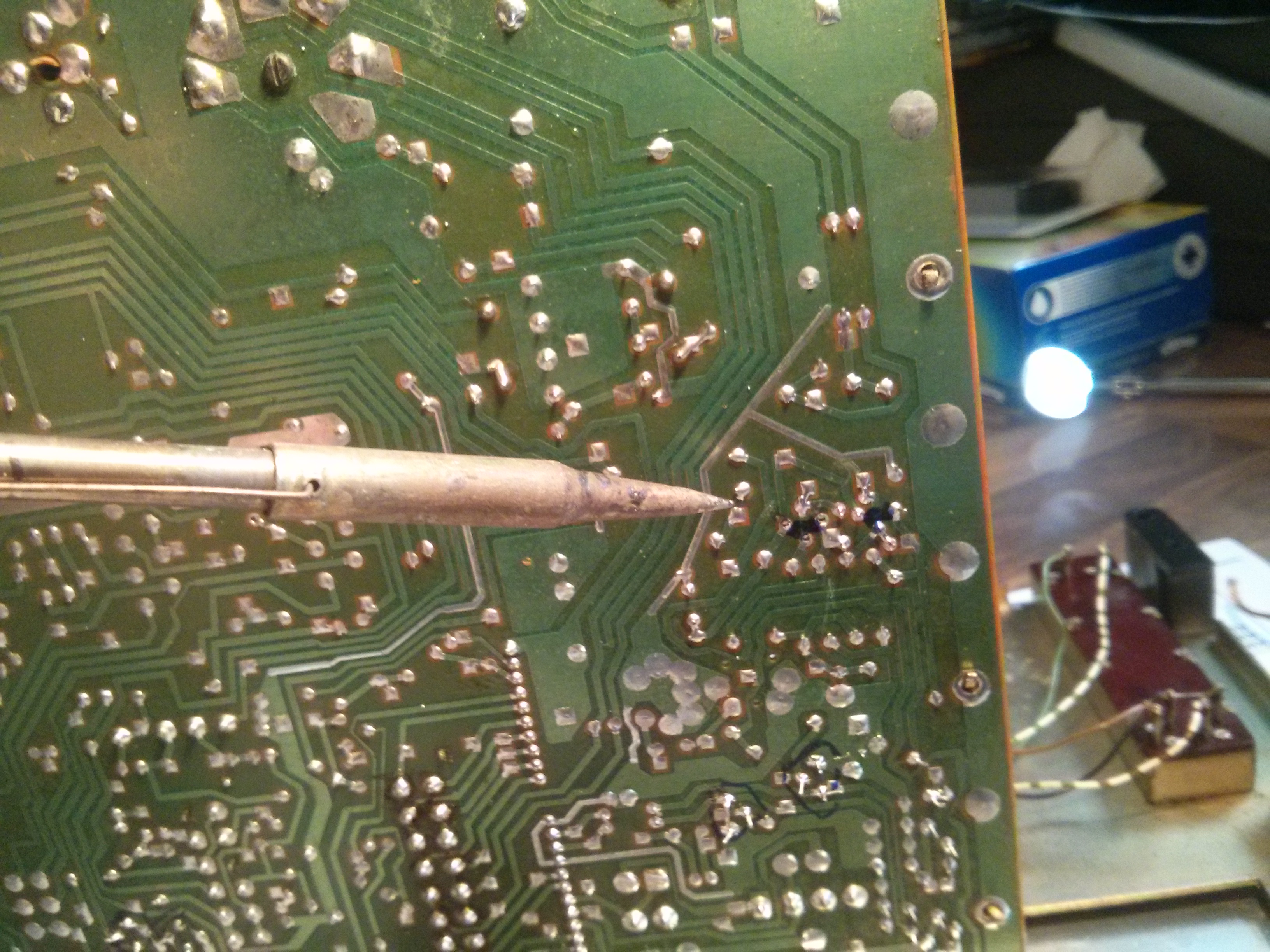
Oh, and when desoldering, the traces on the board came off….grrrr. Had to do a (clumsy) repair job on that.
But the MKS4 caps were wrongly delivered, so I will have to wait a few days more……
To be continued.
-edit-
The caps have been replaced too. Not good. The right tension rollers are ‘jittering’. A very strange sight.
Hello Philip,
The motor run capacitors are always a suspect if the 141 dies too often. The Rifa 0,47 are spark killers and if those are found anywhere, they should come out. And, yes the pcb’s cannot handle too much heat, so be careful as they are also double sided. But i’m sure the machine id fine now, I saw the videos 🙂
The A80/16 as I call it showed its roots. It started life as an A80-1-8 machine. The machine already was prepared to extend it to 16 tracks. We are end of June 2020 now. After the fall and winter of last year the transport has been re-balled and is smooth as butter again. All audio channels has been reworked. Only renewal of ‘a few’ caps left, then it is done. I am missing one channel or, say it’s incomplete but those cards will be found. Will I do another one ? Only if I get paid for it (heyhey).
My personal A80 will be up for sale …. as I have found a nicer replacement for it in the form of a Telefunken M20. Also I am busy with an A80rc-mk-II in half inch stereo and four-track (you don’t see these much). Working on an Otari MX80 which is a very neat and sweet machine.. But then, I am very busy reworking machines strangely enough in these times. I hope all is fine with you. Cheers, Johan
Hi Johan,
I stumbled up on this thread as I’ve been searching for an A80 to compliment my analogue recording set up. I have a couple of recorders already (TEAC A3440 and a Revox B77), but I’m in the market for a high end multi track unit, and I just missed out on a Studer on the dreaded eBay! I was wondering if you’re machine is still available?
Any info would be greatly appreciated….many thanks, Dan
PS: Please, feel free to contact me via email – dandroid76@yahoo.com
Hi Johan,
The A80 is fine now (for the moment haha. It will always be necessary to do repairs on it to keep it running, but that is no problem, just a challenge).
I have replaced the left tension pot and that was the culprit. I got it from Clive C.
-Philip.